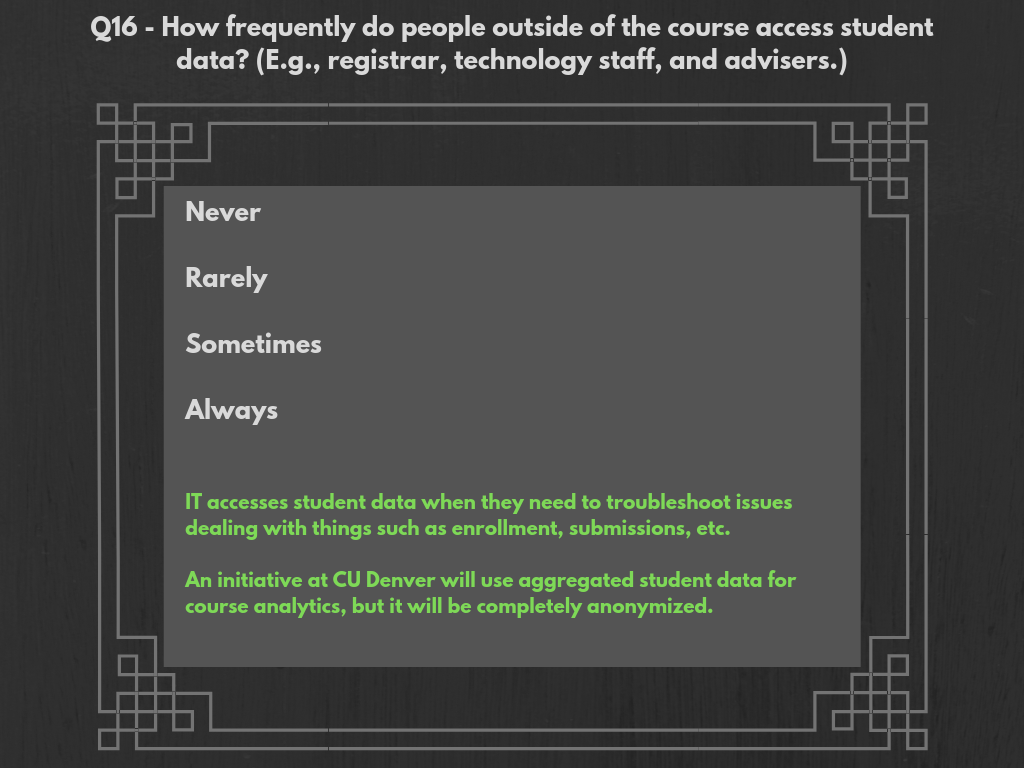
For the most part, the only time that outside parties access student data is when an issue needs troubleshooting (e.g., an enrollment error, a submitted assignment not going through, a link not working, etc.).
CU Boulder: At CU Boulder, help desk workers are given access only to the components of a user’s Canvas account that is required for troubleshooting procedures. Those with access are kept track of extensively, and are cut off once their job is finished.
UCCS: Due to its small size, IT administrators at UCCS assume lots of help-desk responsibilities and are involved in individual, account-level troubleshooting procedures. Students are required to present identification before their account is accessed.
CU Denver: CU Denver IT receives an extensive amount fo service requests. To avoid hoops to jump though such as obtaining permissions (such as CU Boulder’s policy), their help-desk workers (including student workers) are given full-access to all user account information. However, student help-desk workers are not permitted to access the accounts of students or faculty who they have classes with, for obvious security reasons.
Instructure: Instructure has its own help desk that is able to access user accounts and engage in troubleshooting procedures. Instead of going to a campus IT department, a user could also go directly to the company to get an issue figured out. It is not known how often this happens, or how often Instructure actually accesses user-data through Canvas.
 CU LMS Privacy Survey Data Visualizations